


October 2010 Weddings
Dear Community,
Our tech team has launched updates to The Nest today. As a result of these updates, members of the Nest Community will need to change their password in order to continue participating in the community. In addition, The Nest community member's avatars will be replaced with generic default avatars. If you wish to revert to your original avatar, you will need to re-upload it via The Nest.
If you have questions about this, please email help@theknot.com.
Thank you.
Note: This only affects The Nest's community members and will not affect members on The Bump or The Knot.
Our tech team has launched updates to The Nest today. As a result of these updates, members of the Nest Community will need to change their password in order to continue participating in the community. In addition, The Nest community member's avatars will be replaced with generic default avatars. If you wish to revert to your original avatar, you will need to re-upload it via The Nest.
If you have questions about this, please email help@theknot.com.
Thank you.
Note: This only affects The Nest's community members and will not affect members on The Bump or The Knot.
Megan - photobucket zoom
I'm not sure if you ever got the answer to your question about zooming on PB or not, but I'm going to give it a shot...
- Click "edit" on the photo
- Then you will see a slide bar in the upper right corner with mountains. Slide it to make the pic bigger
- Then crop it if you need to
- Click "save a copy"
I tried it with a couple of pics and it worked for me. HTH!
Brooke + Chavis
est. 10/10/10
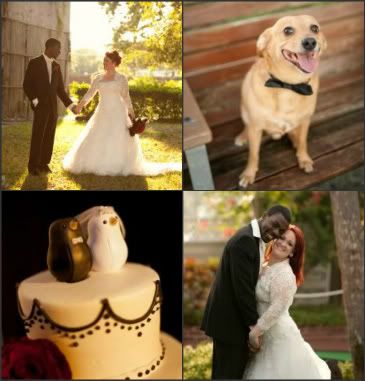

est. 10/10/10

Re: Megan - photobucket zoom
Megan & Chris
I tried this a few times and we just get suuuper stretched (which isn't a good look for anyone!).
Any ideas what I might be doing wrong?
Megan & Chris
est. 10/10/10
Megan & Chris