


Central Pennsylvania Nesties
Dear Community,
Our tech team has launched updates to The Nest today. As a result of these updates, members of the Nest Community will need to change their password in order to continue participating in the community. In addition, The Nest community member's avatars will be replaced with generic default avatars. If you wish to revert to your original avatar, you will need to re-upload it via The Nest.
If you have questions about this, please email help@theknot.com.
Thank you.
Note: This only affects The Nest's community members and will not affect members on The Bump or The Knot.
Our tech team has launched updates to The Nest today. As a result of these updates, members of the Nest Community will need to change their password in order to continue participating in the community. In addition, The Nest community member's avatars will be replaced with generic default avatars. If you wish to revert to your original avatar, you will need to re-upload it via The Nest.
If you have questions about this, please email help@theknot.com.
Thank you.
Note: This only affects The Nest's community members and will not affect members on The Bump or The Knot.

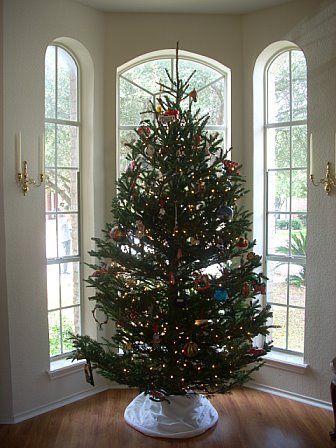
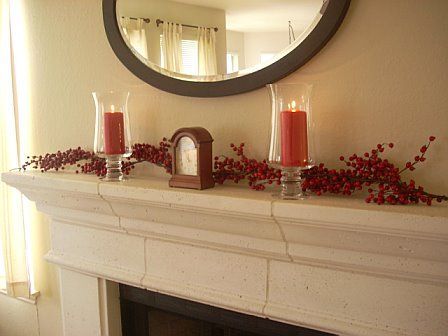


Re: Stolen Poll - PIP(s) of your Holiday Decor!
OK, silly question, but how do you PIP? It's been a looooong while, and I can't remember!
Click on the tree icon next to the smiley face. Paste in the url of the direct picture (not the link to the page, you can get the direct link by right clicking properties on the picture). Then click insert (if you're in firefox, you need to resize the box to see insert). You can resize a picture two ways. One way is to put in a height or width in the box below the url. The other way is once you have inserted, you can click on the corner and drag to resize. You want a width of about 300 to fit without scroll bars.